Template builder
Create fillable templates from PDF or DOCX and place fields where signers need to complete them.
Learn moreThe flexible e-signature and document platform for teams that need airtight security, deep API control, and beautiful signing experiences.

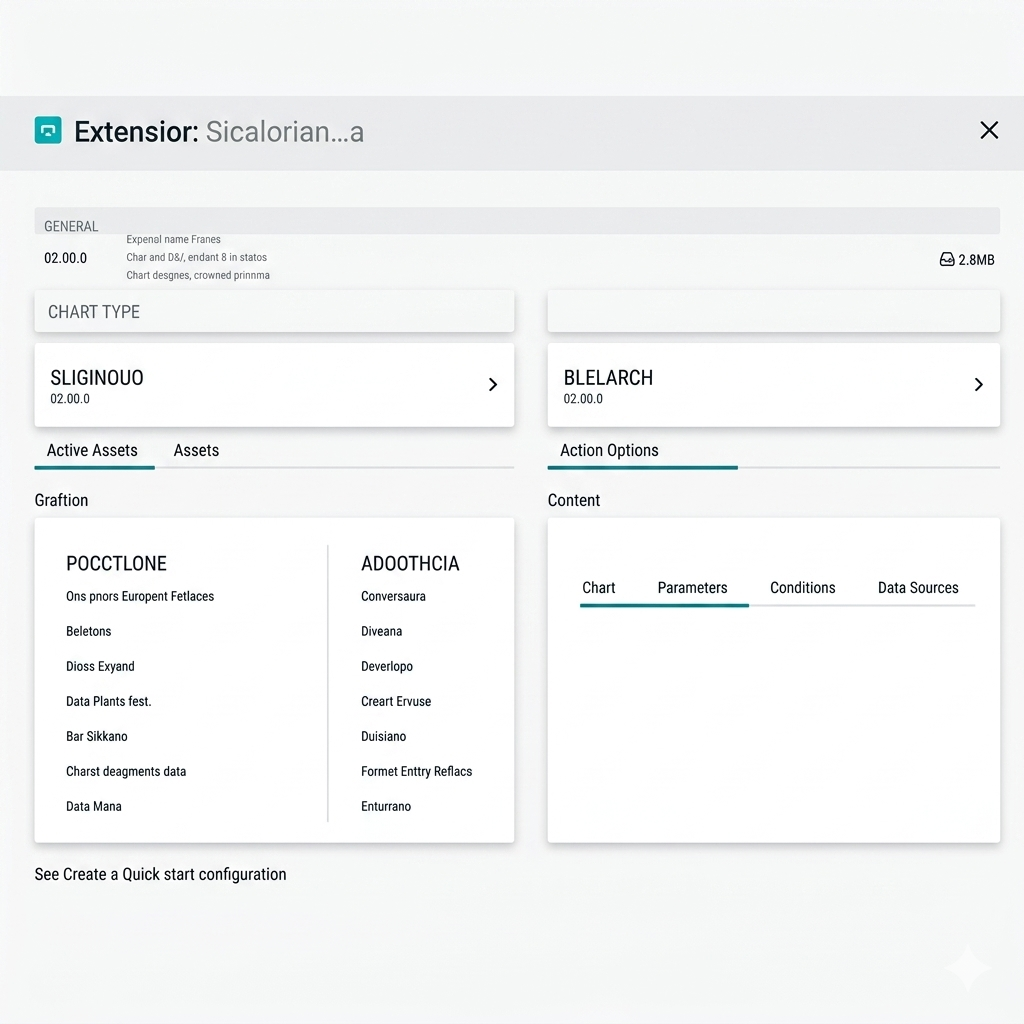
Upload PDF or DOCX templates, add fields, and prepare documents for repeatable signing workflows.

Detect existing fields in templates to speed up setup before manual adjustments.
Prefill template values through the API so generated documents are ready for recipients.
Everything in one place to prepare templates, collect signatures, and integrate with your existing systems.
Create fillable templates from PDF or DOCX and place fields where signers need to complete them.
Learn moreCollect legally recognized e-signatures with signer flows that work across desktop and mobile.
Learn moreCreate templates and submissions programmatically, then react to events in your backend.
Learn moreSend to one or many recipients with role-based completion and shared progress tracking.
Learn moreSend signing requests and reminders through SMTP-based email notifications.
Learn moreVerify digital signatures and exported signed documents directly from the platform.
Learn moreFrom template design to signed output, Trustseal covers the complete signing flow in a single app.
Deploy with Docker and keep your documents under your own operational control.
Use REST endpoints and webhooks to connect document flows to your product.
Signers can complete documents from desktop and mobile browsers.
Track signer and submission events with downloadable signed documents.
Manage users, roles, templates, and submissions from a shared workspace.
Use webhooks, SMTP, and storage integrations to fit existing infrastructure.
Drag and drop fields onto your document, then assign roles and validation rules in minutes.
Share via email or direct link and let signers complete everything securely on any device.
Signed documents are archived, while webhooks and API events trigger your downstream workflows.
Connect signing operations to your product using documented API endpoints, webhooks, and embeddable flows.
Receive real-time notifications for submission created, signed, and finalized events directly in your backend.
Keep users in your product with embedded signing links and branded signer pages.
Automate template and submission lifecycle actions using a JSON-based REST API.
Build fillable documents with field types for signatures, text, dates, selections, files, and structured inputs.
Capture signatures, initials, and text values required to complete document workflows.

Use common field groups across templates to keep signing experiences consistent.
Identity
signature
Initials
initials
Text
text
Date
date
Number
number
Select
select
Checkbox
checkbox
Radio
radio
Multiple
multiple
File
file
Image
image
Table
cells
Create templates once and reuse them across repeated signing workflows with consistent data collection.
Template Reuse
Use one template for many submissions and recipients.
Submission Tracking
Monitor each signer and document completion status from the dashboard.

Route documents through one or many recipients and keep each signer step clear.
Configure signer order so each participant completes their part in sequence.
Invite recipients to complete documents without requiring a strict sequence.
Assign each recipient their own fields and completion responsibilities.


Keep documents protected with encrypted transport, detailed audit events, and deployment options that fit your security model.
Use HTTPS and secure storage backends to protect document data in transit and at rest.
Every action is recorded with time, IP, and event metadata for complete traceability.


Trustseal includes practical controls for teams that need secure signing with clear operational ownership.
Self-hosted Deployment
Run the platform in your own environment using Docker-based deployment.
Signature Verification
Verify digitally signed PDFs and keep document integrity checks within your workflow.
Yes. This project is open source and can be self-hosted using the provided Docker deployment path.
You can manage templates, submissions, documents, and recipients through REST API endpoints.
Yes. Webhook endpoints are available so your backend can receive submission and form event updates.
PDF and DOCX templates are supported for creating fillable signing workflows.
Yes. The project includes PDF signature verification capabilities for signed documents.
Start creating templates, sending signature requests, and integrating signing into your product.
Real-time visual processing of high-assurance digital infrastructure. Experience the velocity of global trust at scale.
DOCUMENTS SIGNED WITH TRUSTSEAL